01
Open Add Channels.
Click Add Channels at the top of the sidebar. The first time, the window is called Choose your first channels; after that, Manage pinned channels.
Add Channels
Add Smart Panel
Live Stream
Direct Messages
Sofia
Servers
MMarket Circle
SStudio Collective
AAfter Hours
JordanWatching the opening range.
RileyPatience first.
02
Tick the channels you follow.
Each server is a box. Open one and click a channel to tick it, or type in Find a channel to search every server at once. Tick Include Direct Messages to add a column for your DMs.
Choose your first channels
Find a channel
MMarket Circle2 selected · 6 channels
# trading
# market-news
# research
SStudio Collective1 selected · 4 channels
# design
3 selectedCancelOpen 3 Columns
03
Open your columns.
Click Open 3 Columns, or Save Selection when you come back to change them. New channels are added on the right; the ones you already had keep their place.
Market Circle# trading
JordanSPX is testing the open.
RileyWatching the reclaim.
Market Circle# market-news
CaseyCPI at 8:30.
Studio Collective# design
SofiaTwo directions. Which one?
Good to know.
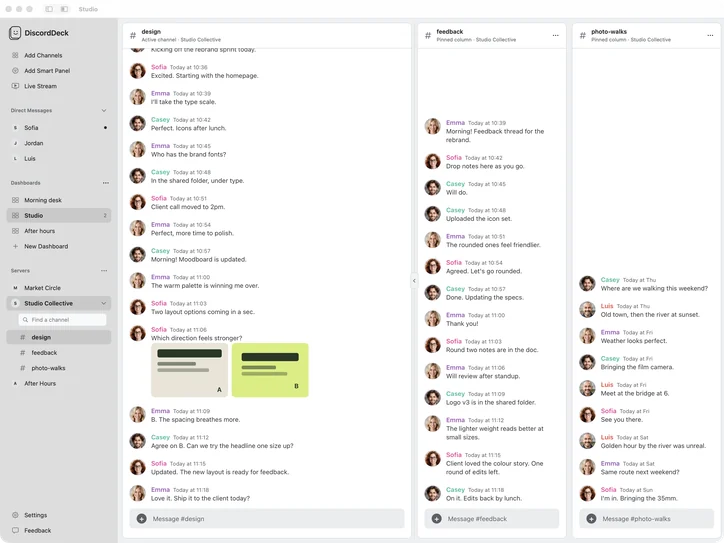
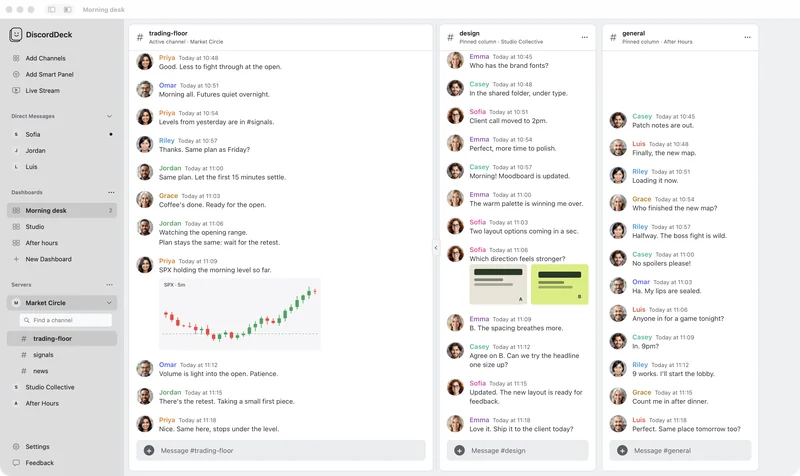
- Drag a column by its header to move it, or use Move Left and Move Right in the column’s ··· menu.
- Drag the gap between two columns to make the one on the left wider.
- Column Color… in the same menu adds an accent bar, so you can tell your channels apart at a glance.
- To remove a column, choose Remove Column, or untick the channel in Manage pinned channels.
- Want the whole window for your columns? Use the toolbar button to hide the main channel, or the one beside it to hide the sidebar.
Without DiscordDeck
In Discord’s own app you see one channel at a time, so following a few means clicking back and forth between servers and channels.