01
Open Visible Servers.
Click the ··· next to Servers in the sidebar. Visible Servers lists every server with a checkbox.
Servers···
MMarket Circle
SStudio Collective
AAfter Hours
OOld Guild
Visible Servers
Hidden servers stay connected in your open columns.Market Circle
Studio Collective
After Hours
Old Guild
02
Untick to hide.
Untick a server to hide it; the change applies straight away. You can also right-click a server and choose Hide Server. Its pinned columns keep working.
Servers···
MMarket Circle
SStudio Collective
AAfter Hours
Old Guild# announcements
ModStill here, still pinned.
03
Put them in order.
Drag a server up or down, or right-click it and choose Move Up or Move Down.
Servers···
AAfter Hours
MMarket Circle
SStudio Collective
Good to know.
- Hiding a server doesn’t leave it or mute it in Discord.
- Hidden servers aren’t checked for live stages under Live Stream.
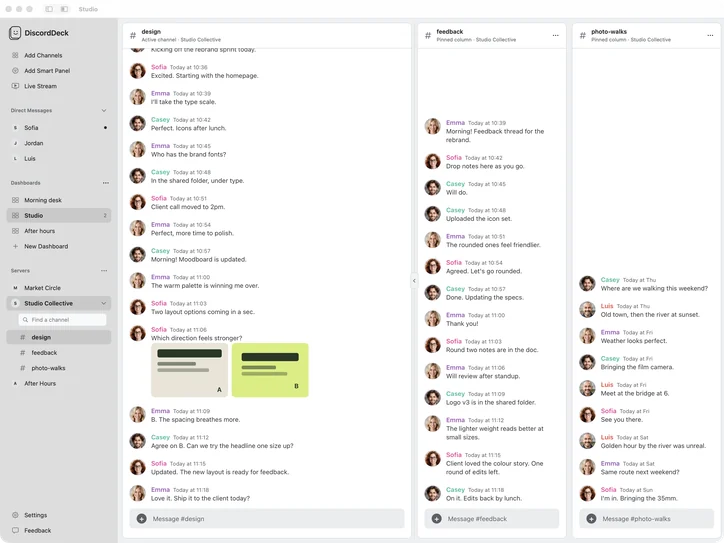
- Click a server to see its channels; opening another folds the first away. Find a channel filters the list as you type.
Without DiscordDeck
Discord lets you reorder servers and group them into folders, but a server stays in your list until you leave it.